GPT Image · AI image generator
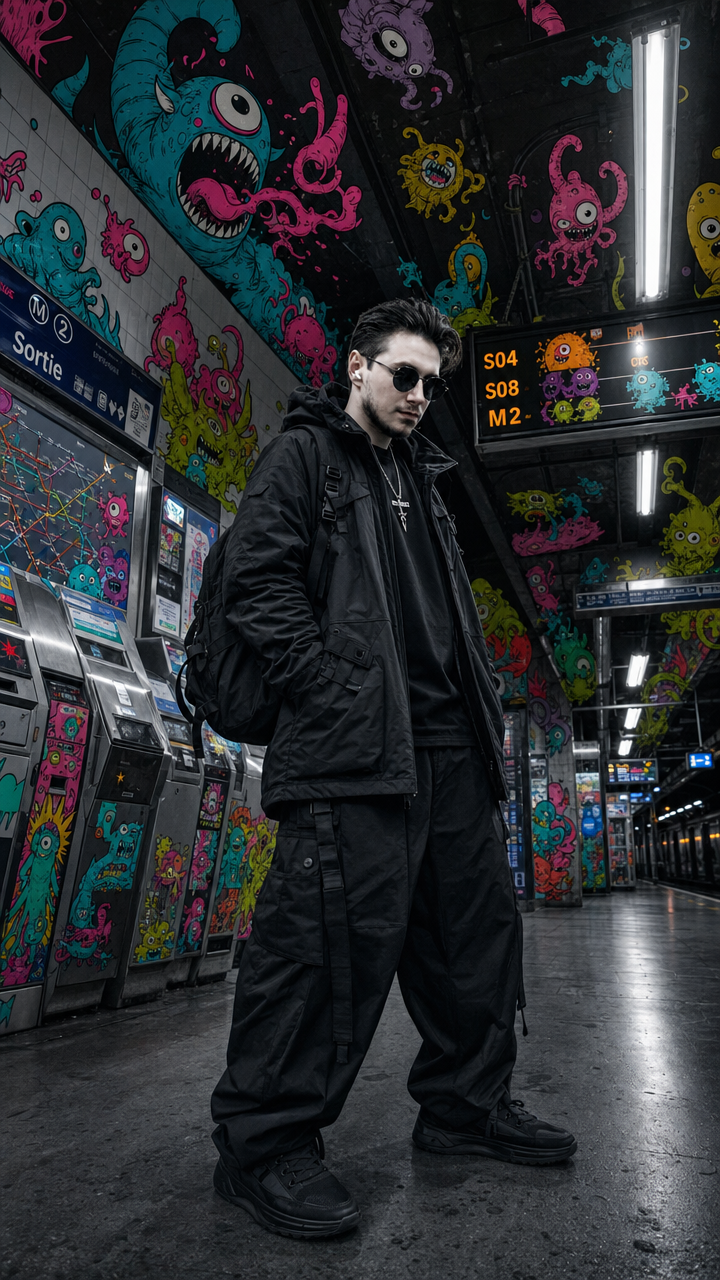
GPT Image follows a long prompt more literally than most models and writes readable text on the image. Low, Medium and High are the same model at different compute budgets, so the cheap tier is for drafts and the high tier for the final frame.
Versions available on Luxry
GPT Image 2 Low (2 credits), GPT Image 2 Medium (6 credits), GPT Image 2 High (20 credits), GPT Image 2 · Inpaint (6 credits), GPT Image 2.5 Low (0.42 credits), GPT Image 2.5 Medium (0.94 credits), GPT Image 2.5 High (3.76 credits).
What GPT Image supports
Aspect ratios: 1:1, 16:9, 9:16, 4:3, 3:4, 3:2, 2:3, 21:9. Resolutions: 1K, 2K, 4K. Reference images: up to 16. Outputs per run: up to 6. Prompt length: 32,000 characters. Price: 2 credits per run.
How much does GPT Image cost on Luxry?
From 0.42 credits per run. Credits come with any plan, and the exact price of every version is listed on this page.
Do I need an account to use GPT Image?
Yes, generation runs under an account. Registration is free and new accounts start with credits, so the first image does not cost anything.
Can I use my own image as a reference?
Yes. GPT Image takes up to 16 reference images per request, and keeps the character or object from them in the result.
Which aspect ratios does GPT Image support?
1:1, 16:9, 9:16, 4:3, 3:4, 3:2, 2:3, 21:9. The ratio is picked before the run and does not change the price.
Which version of GPT Image should I use?
Available here: GPT Image 2 Low, GPT Image 2 Medium, GPT Image 2 High, GPT Image 2 · Inpaint, GPT Image 2.5 Low, GPT Image 2.5 Medium, GPT Image 2.5 High. The cheaper versions are for drafts and iteration, the heavier ones for the final image. All of them run in the same workspace, so a prompt can be moved between them without retyping.
Can I use the results commercially?
Yes, what you generate on Luxry is yours to use, within the terms of the model provider. The subscription plans differ in credits and limits, not in usage rights.